
CVS Health - Authentication
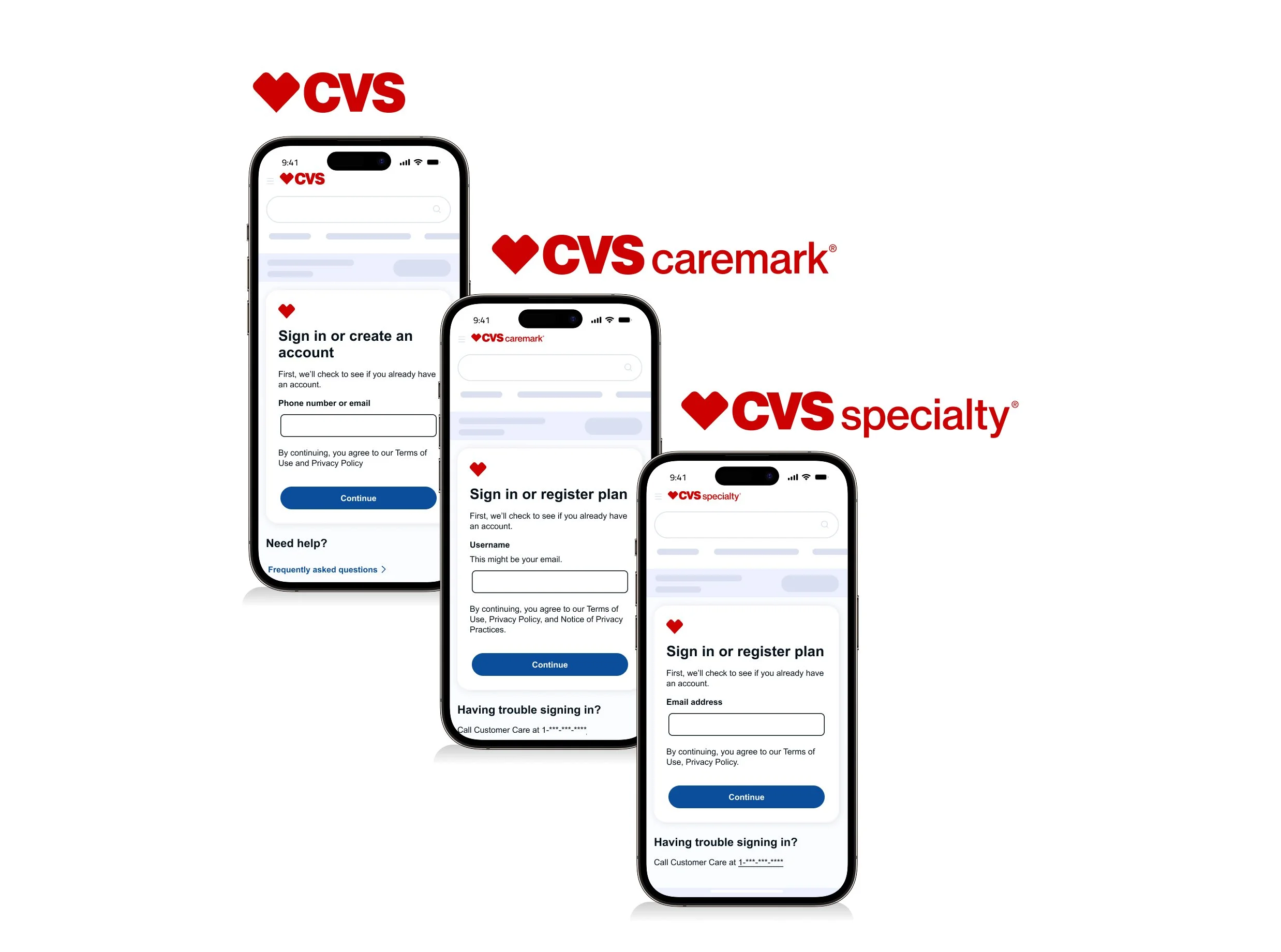
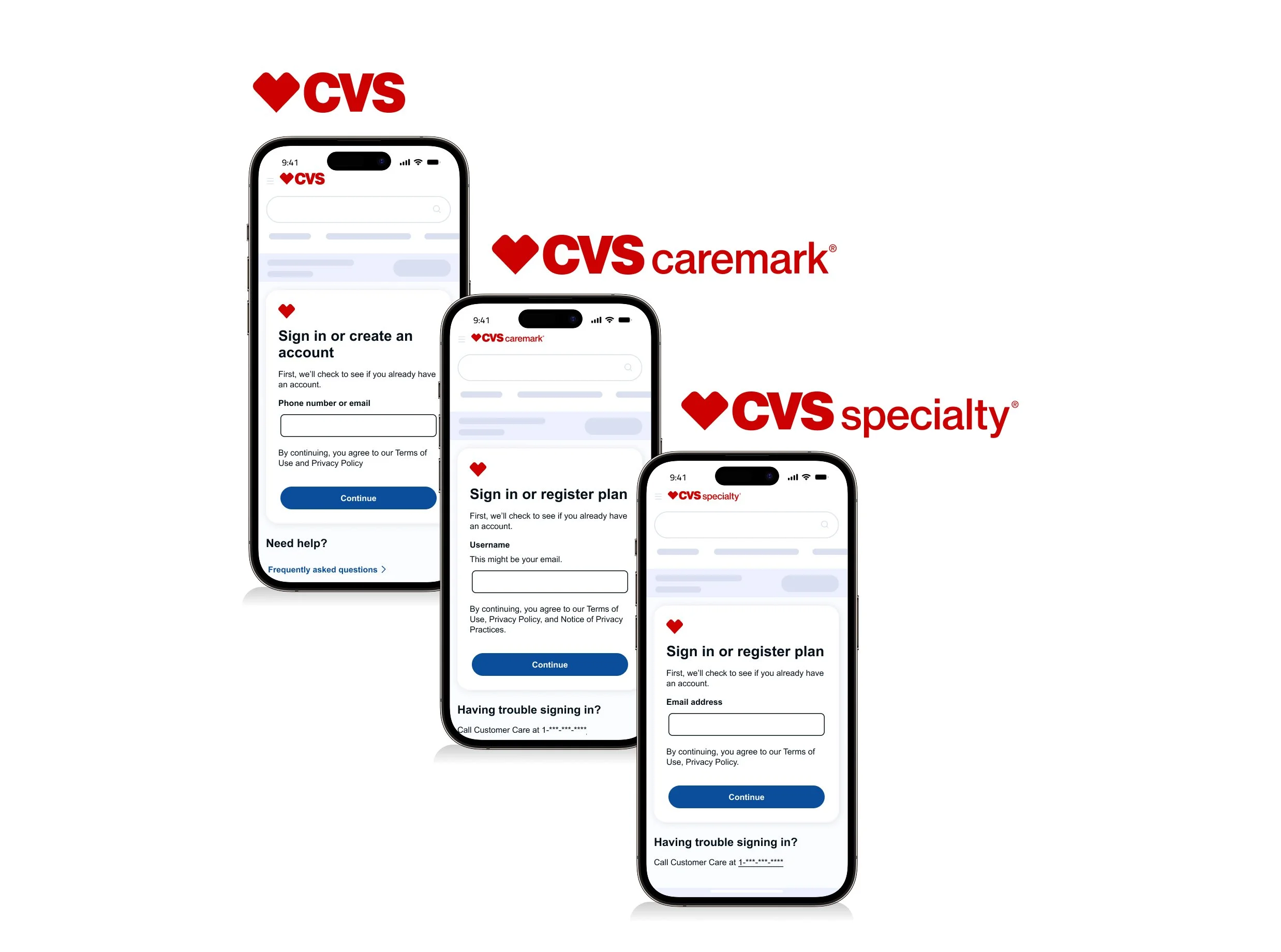
Designing secure authentication experiences across CVS Health, Caremark, and Specialty—balancing enterprise security with a seamless user experience.
Shared authentication patterns
I standardized authentication across CVS Health, Caremark, and Specialty with two shared experiences.
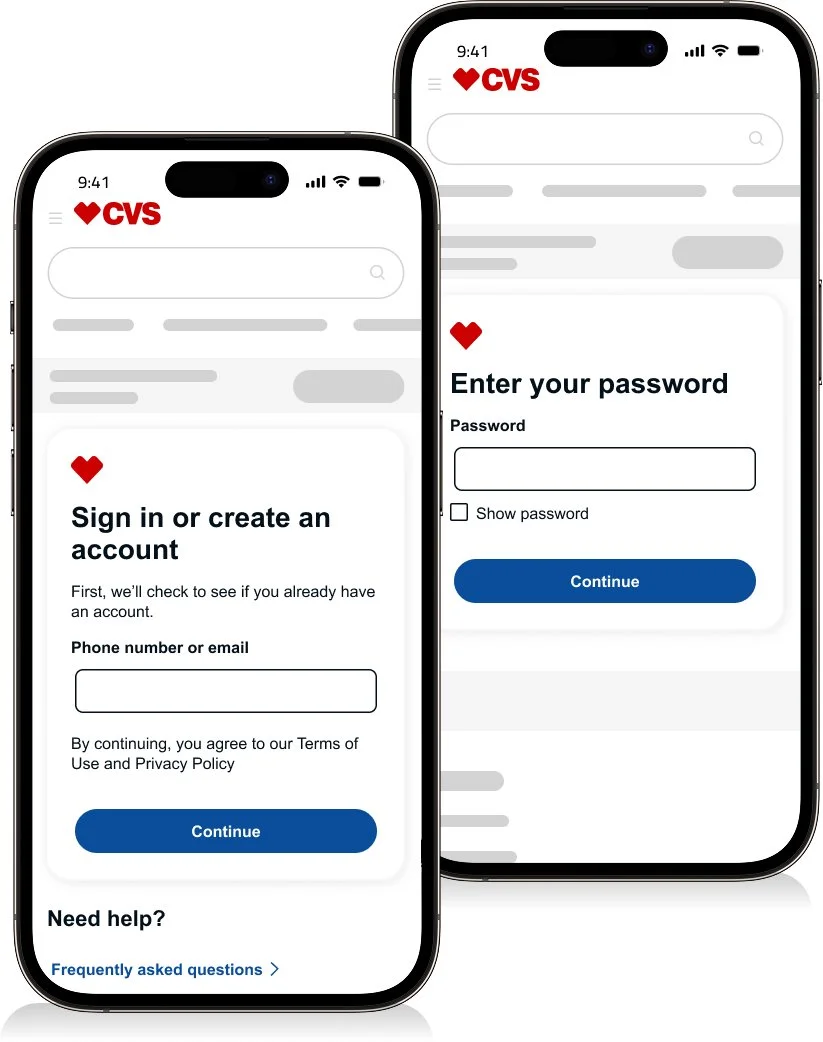
Two-step sign-in
Validate the user before requesting a password.
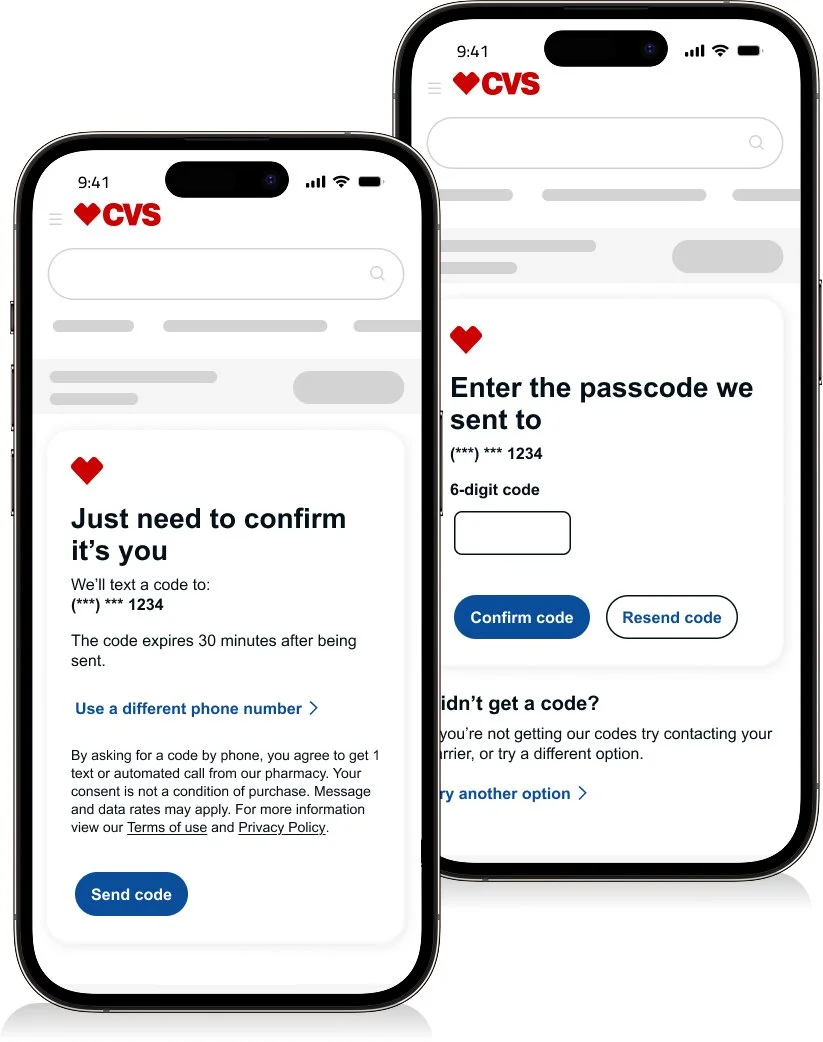
One-time passcode (OTP)
Verify identity before completing authentication.
CVS Health
Users can sign in, create an account, or register depending on whether they're returning, new to CVS Health, or need access to protected health services.
Sign in
Two-step sign-in • One-time passcode (OTP) • Successfully signed in
“78.6K weekly users • 81.6% sign-in success”
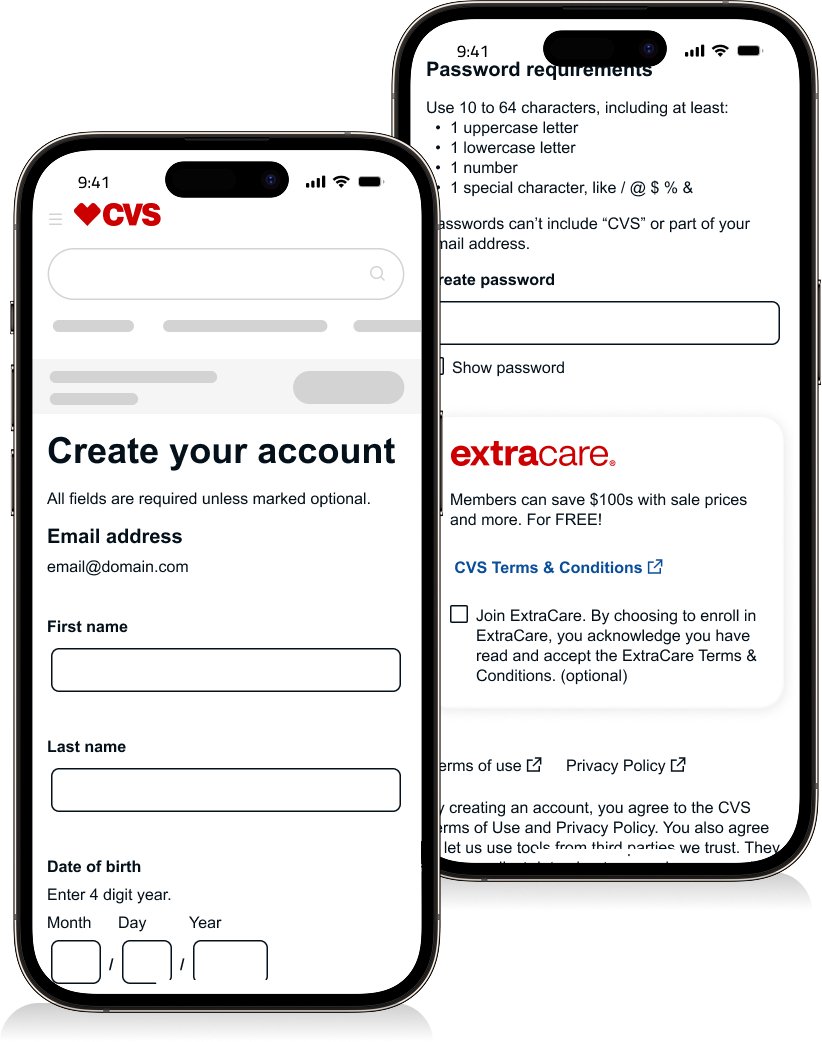
Create an Account
Enter email • Create account • One-time passcode • Success
“90% account creation success”
Registration
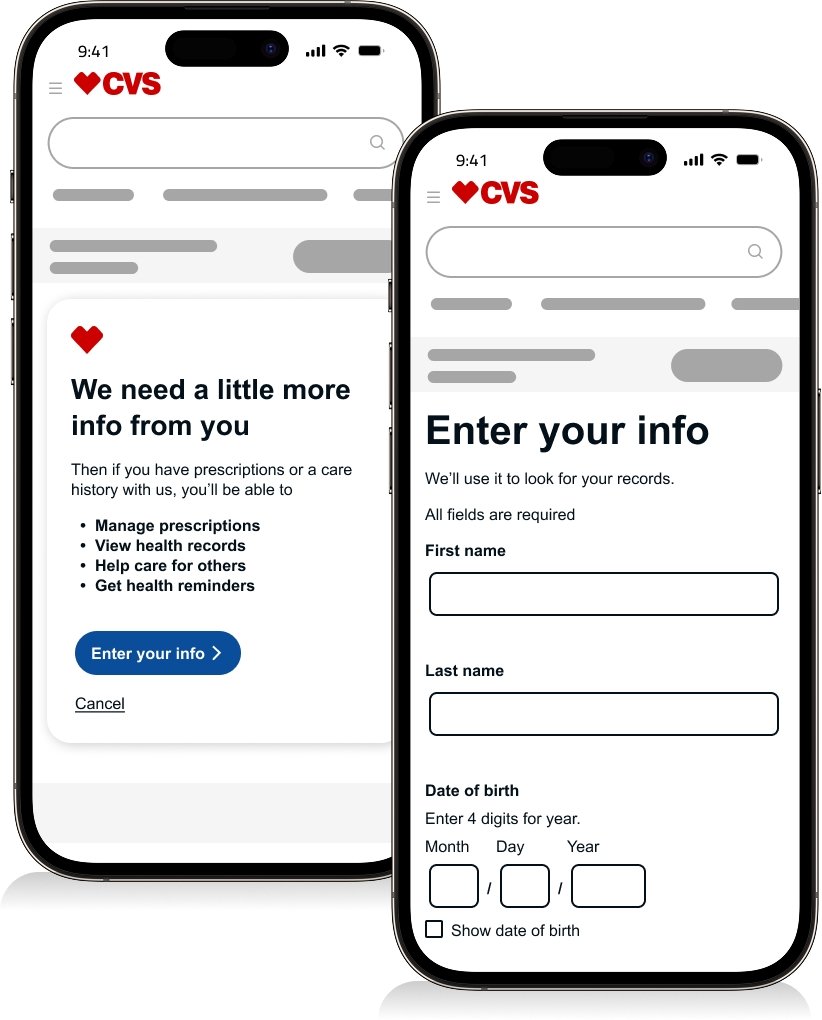
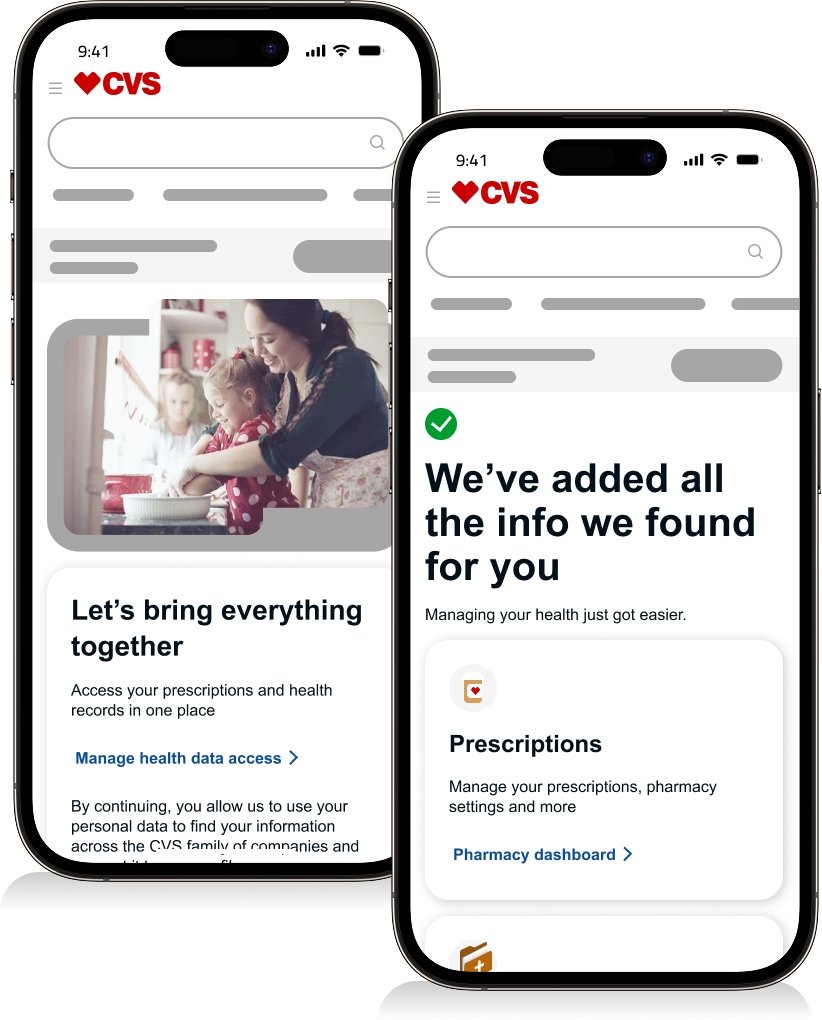
Users register to gain secure access to protected health services.
Introduction • Enter information • One-time passcode (OTP) • Consent • Registration complete
“~80% registration success—secure access with lower friction.”
CVS Caremark
This section covers two categories: Sign-in and Registration. I outline each flow step by step and highlight the unique pages within each experience.
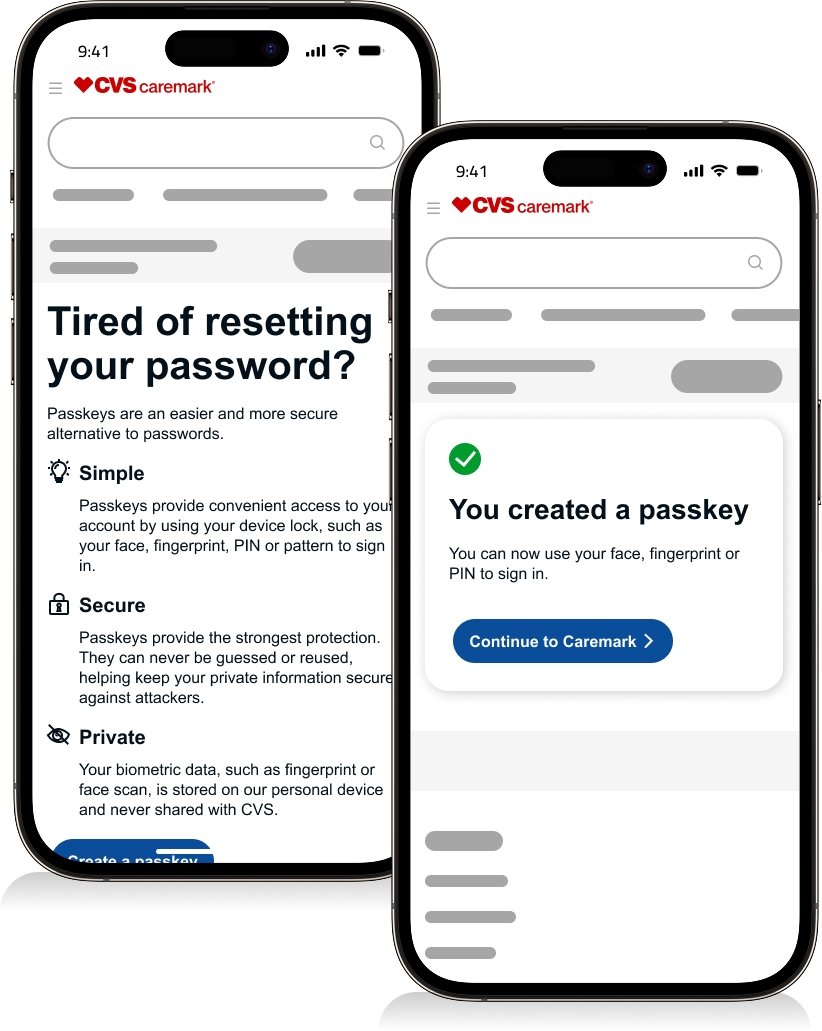
Sign in
Two-step sign-in • One-time passcode (OTP) • Create passkey (optional) • Sign in complete
“498K weekly users • 88.29% sign-in success”
Registration
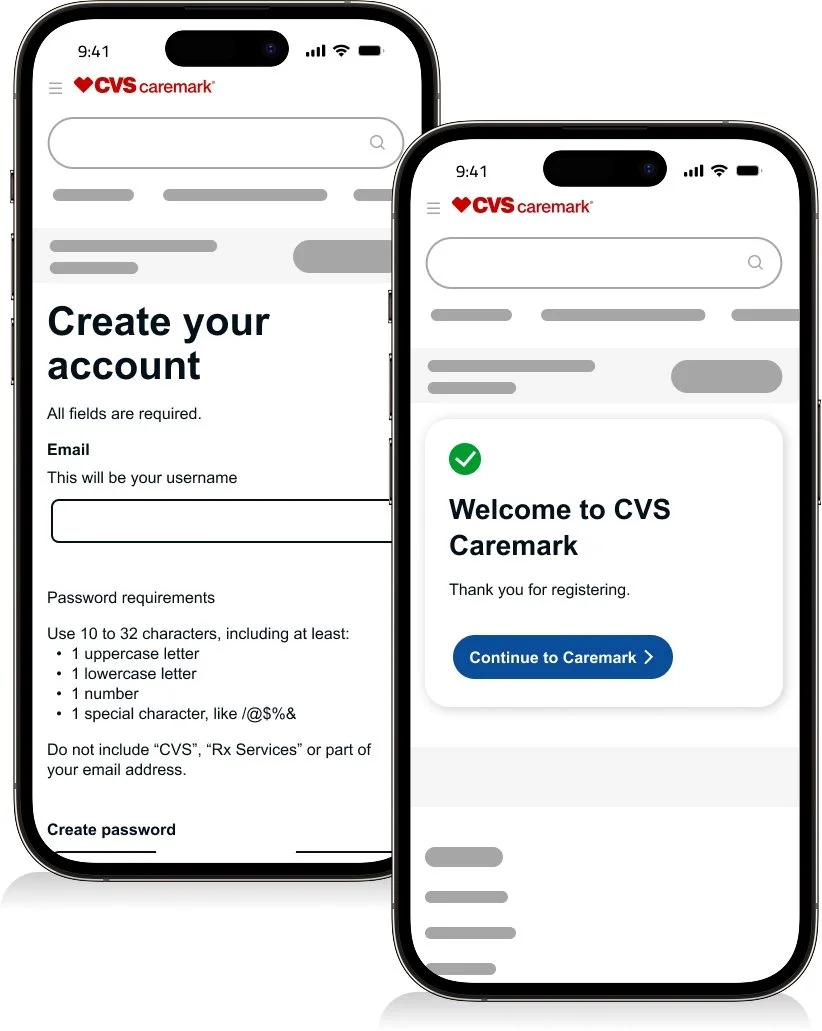
Two-step sign-in • One-time passcode (OTP) • Create account • Registration complete
“21.3K weekly users • 84.99% registration success”
CVS Specialty
Sign in
Two-step sign-in • One-time passcode (OTP) • Create passkey (see Caremark visuals) • Sign in complete (see Caremark visuals)
“311.1K weekly users • 91.82% sign-in success”
Registration
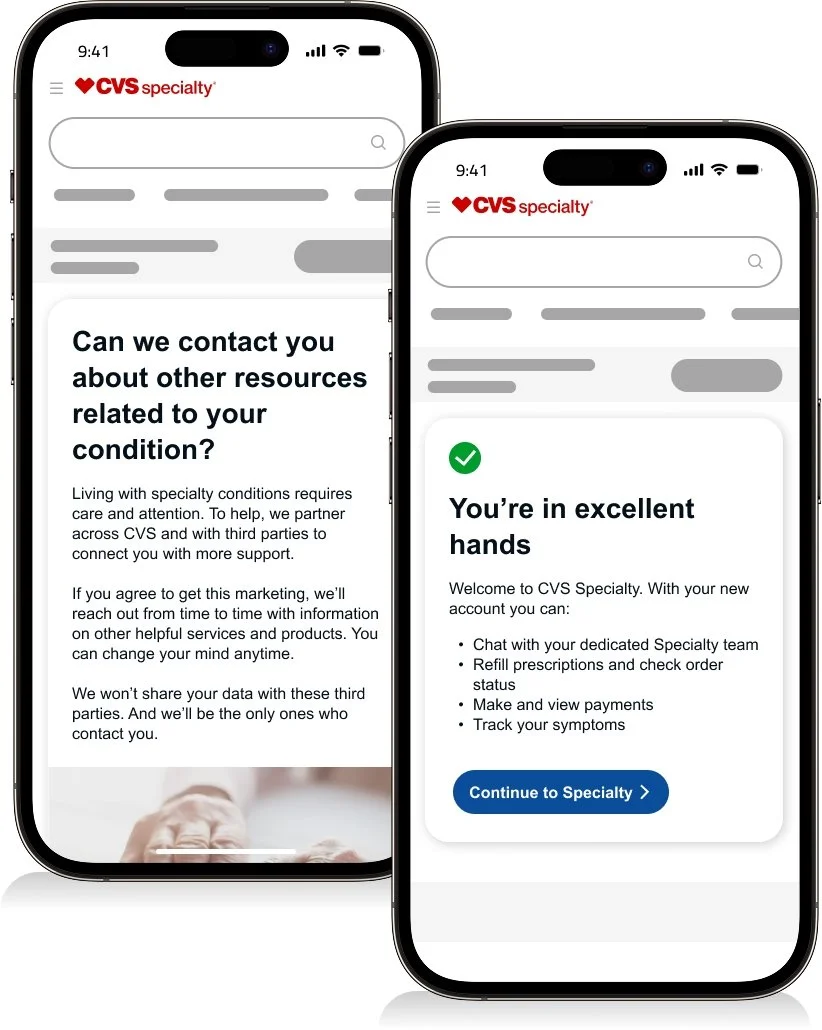
Two-step sign-in • One-time passcode (OTP) • Create account (see Caremark visuals) • HIPAA consent • Registration complete
“9.3K weekly users • 84.93% registration success”
Dev hand off
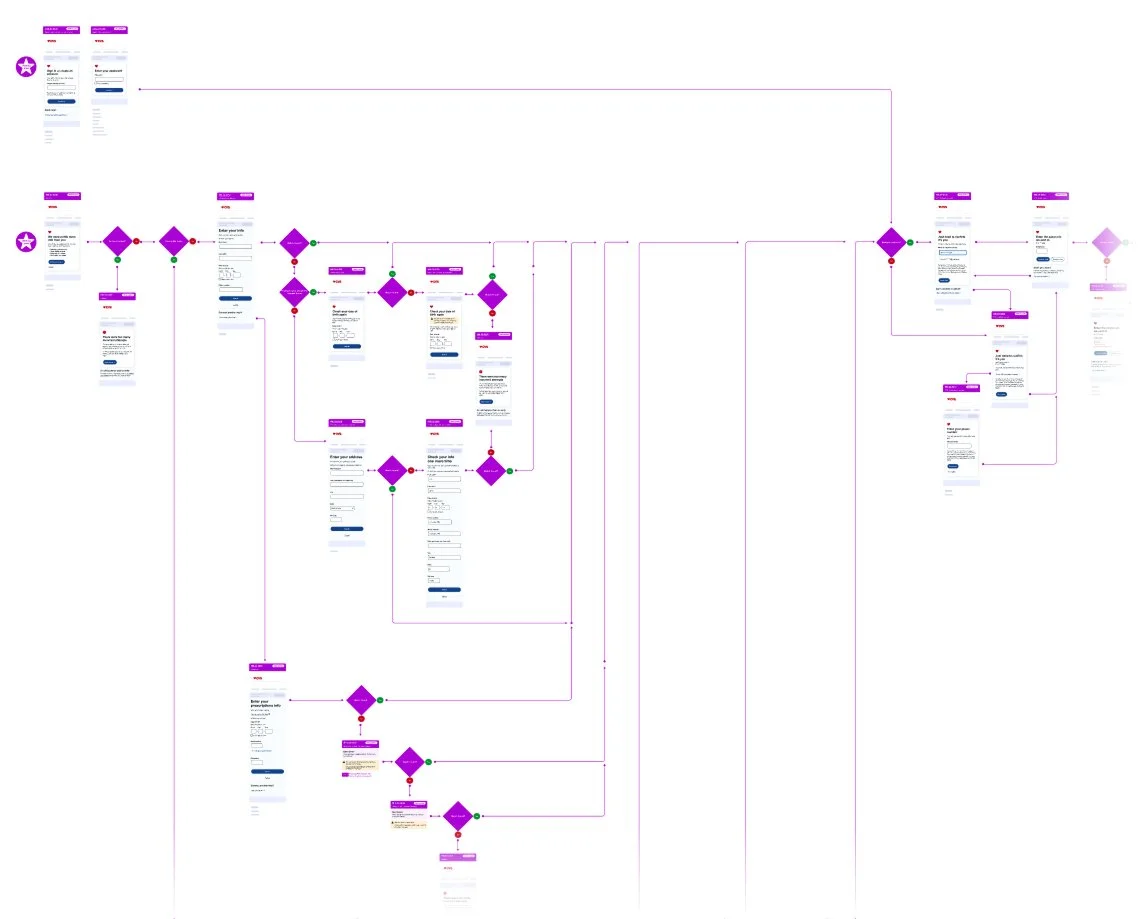
Full flows
I map end-to-end user flows, including key states and edge cases, to align design, engineering, and architecture.
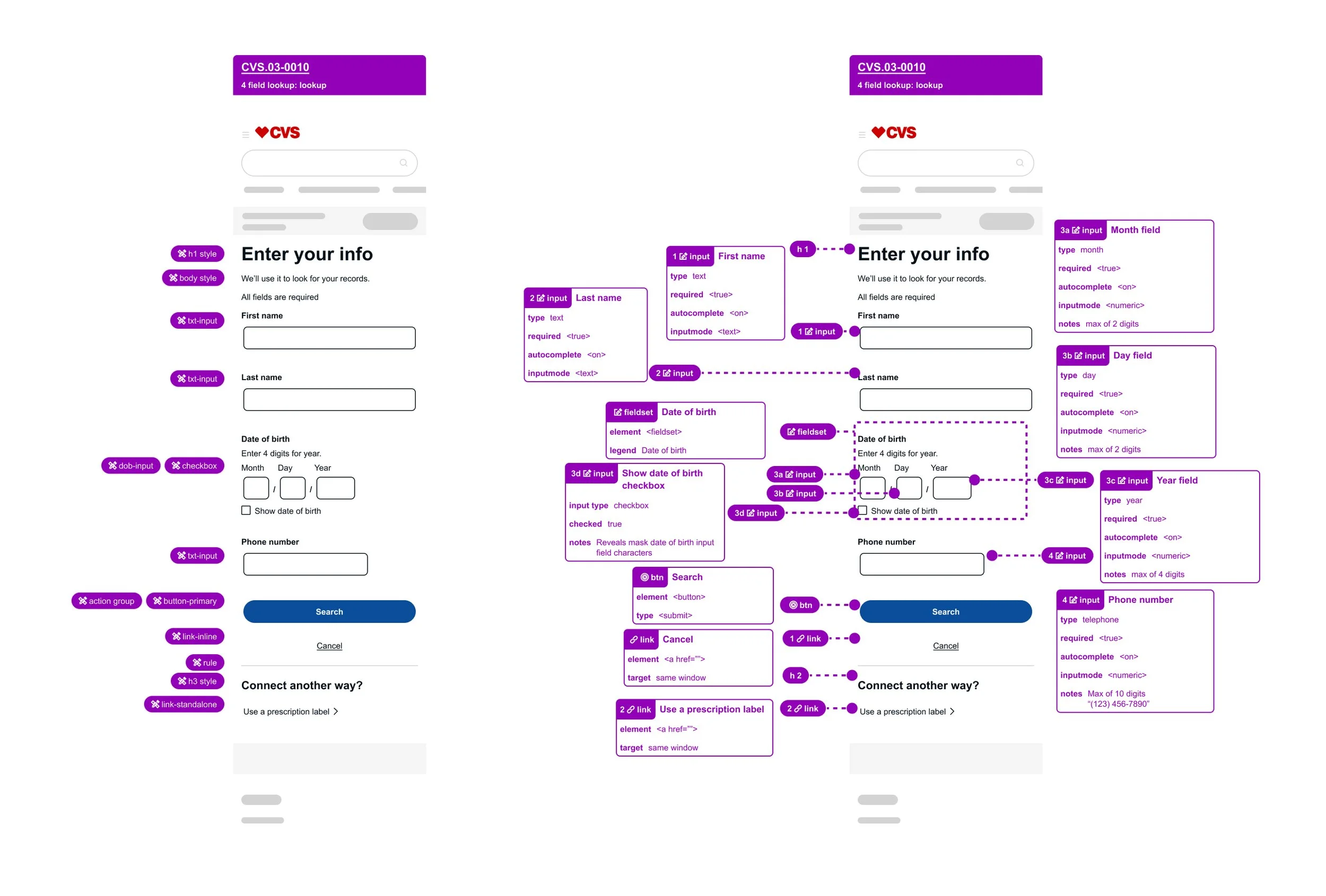
Annotations
I create clear design system and accessibility annotations that help engineers build accurately and consistently.
Error handling
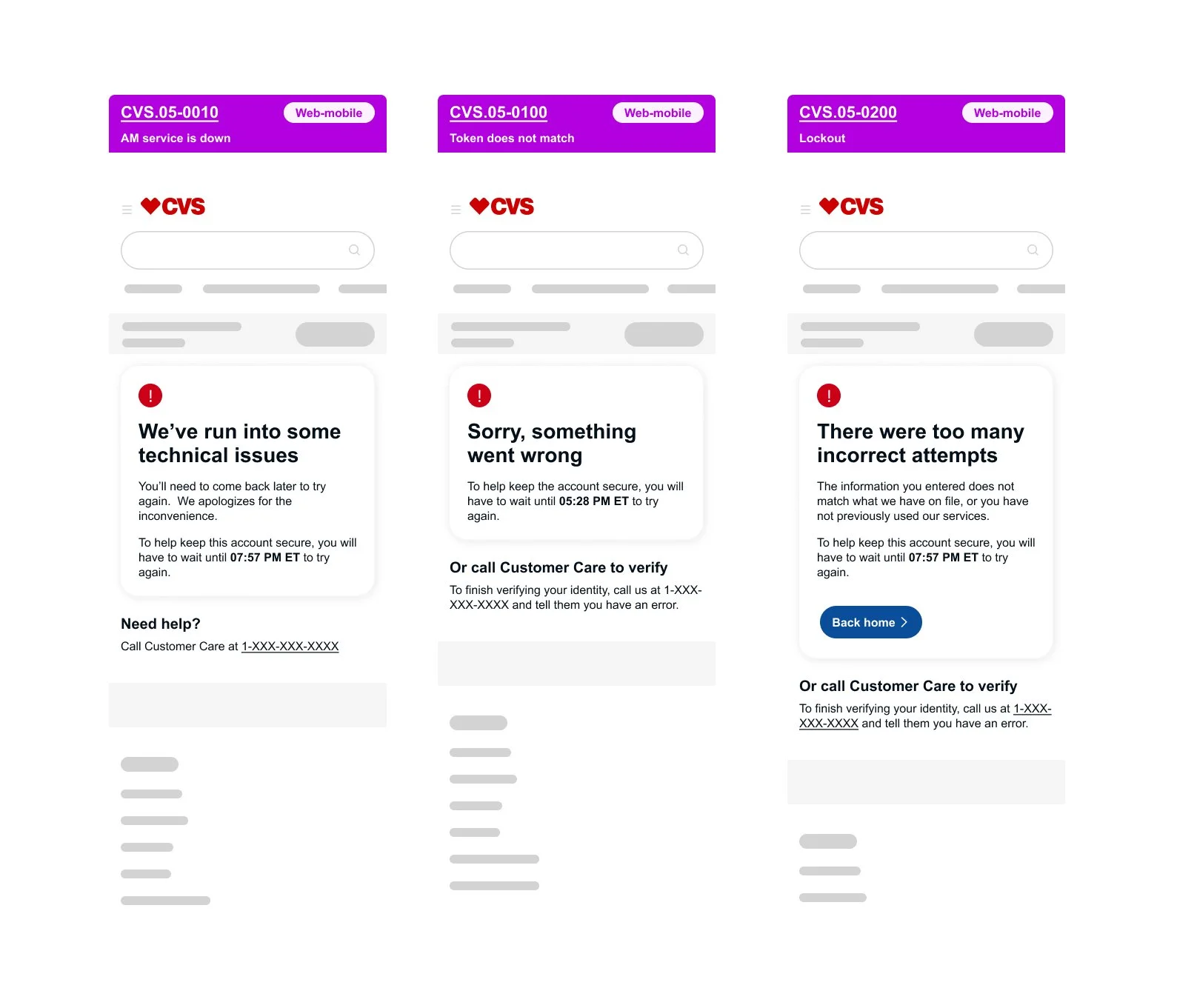
Not every experience goes as planned. I partner with engineering to design error states that reduce frustration and guide users toward the best possible outcome.
Quisque iaculis facilisis lacinia. Mauris euismod pellentesque tellus sit amet mollis.