
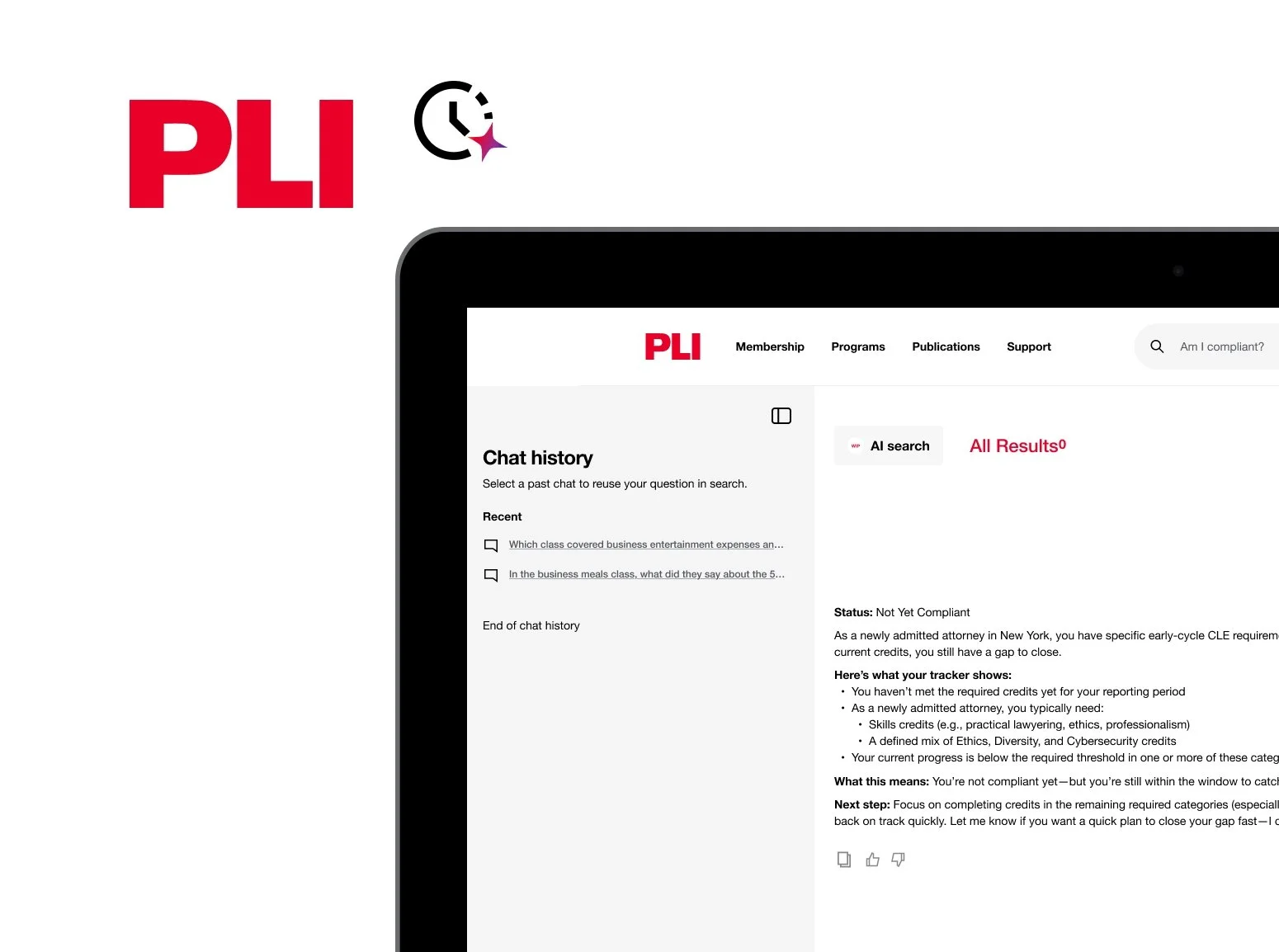
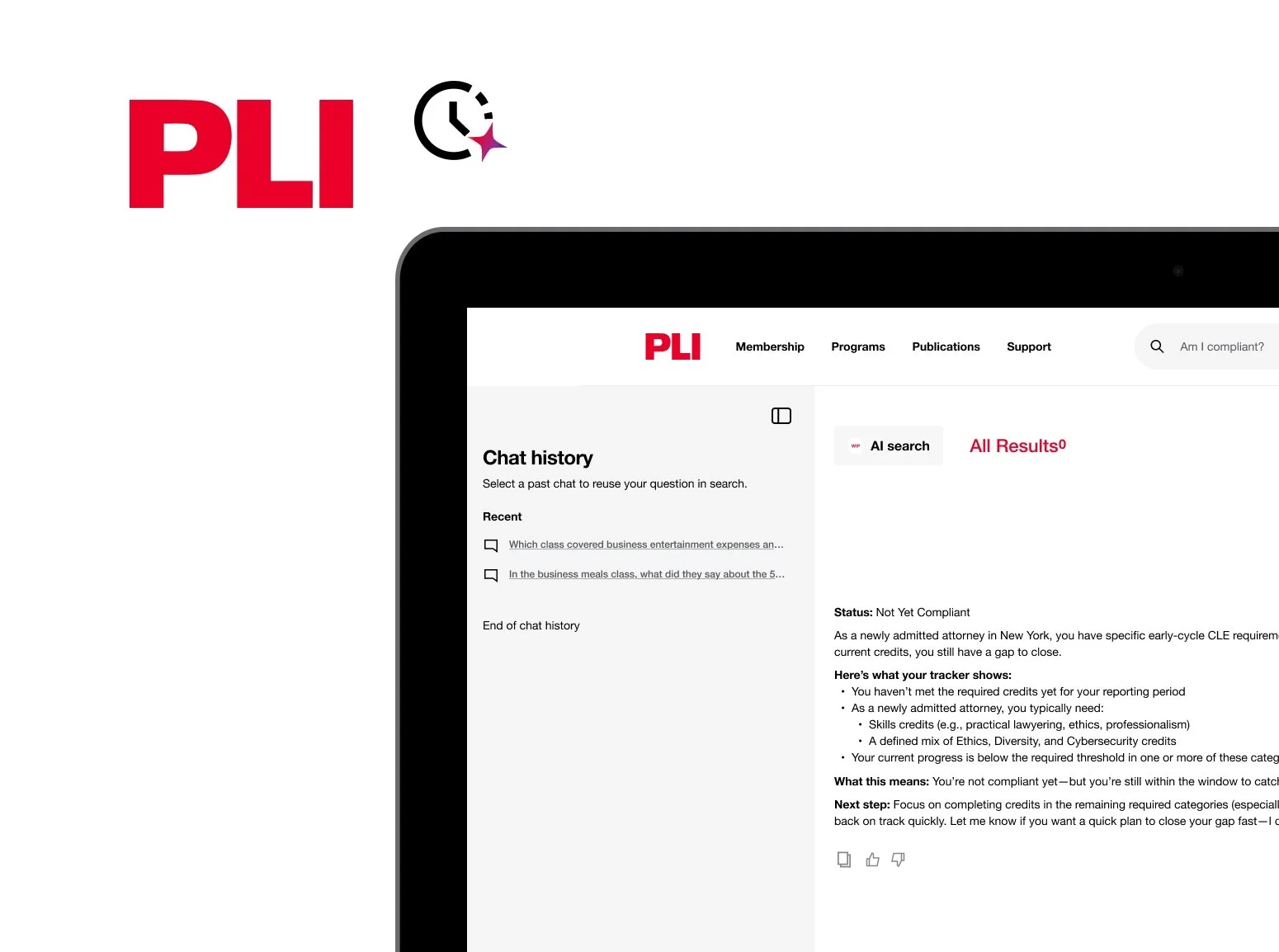
AI Chat History Exploration
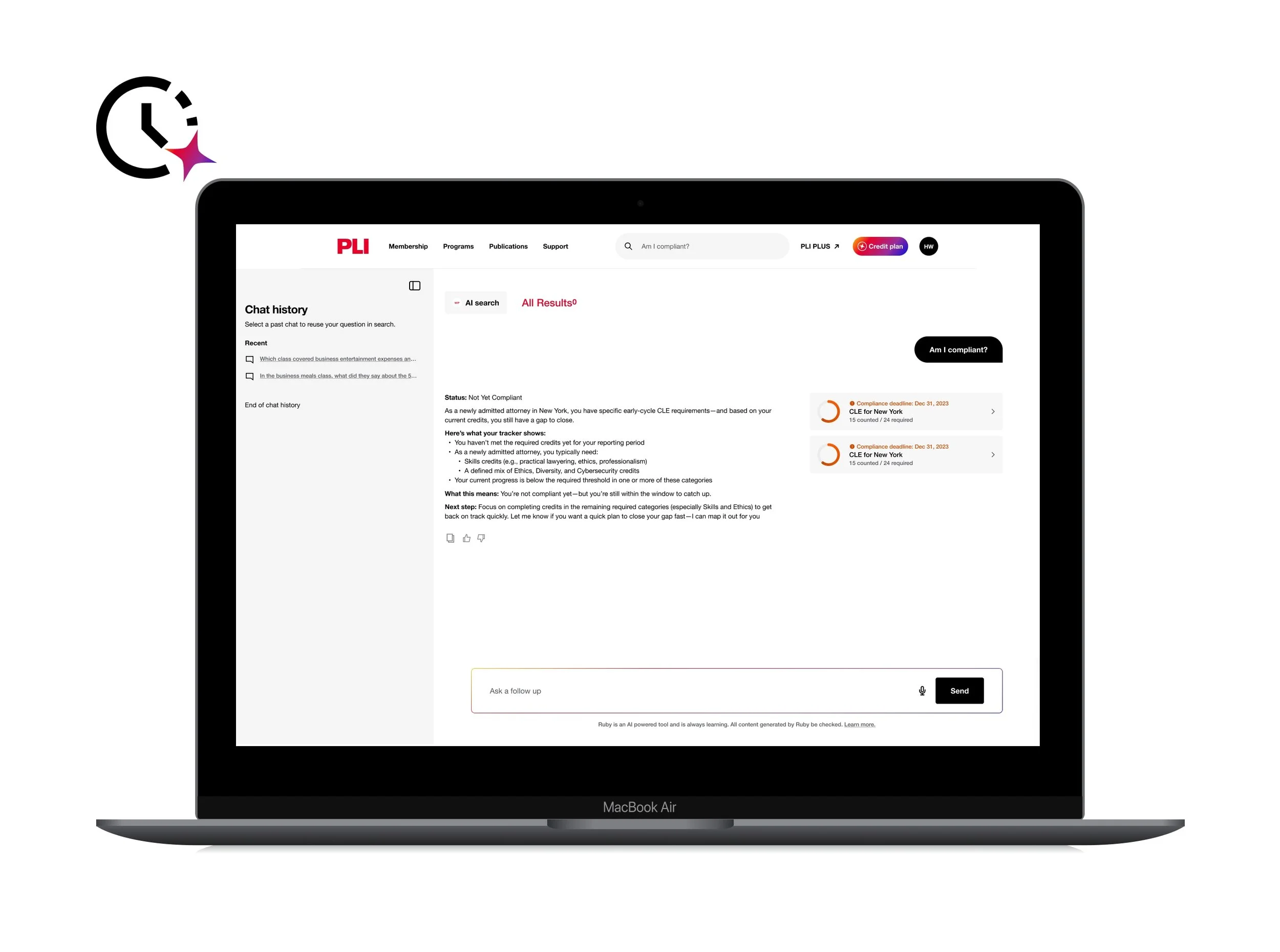
Designed an AI chat history experience for PLI that helps users quickly find and resume previous conversations through intuitive organization, search, and AI-assisted categorization.
Project Ask
Design a simple, scalable chat history experience within PLI AI Search that helps users quickly find and resume previous conversations without cluttering the interface.
Design Considerations
Reduce visual clutter.
Help users quickly find past chats.
Determine if timestamps add value.
Explore intuitive organization.
Integrate seamlessly with AI Search.
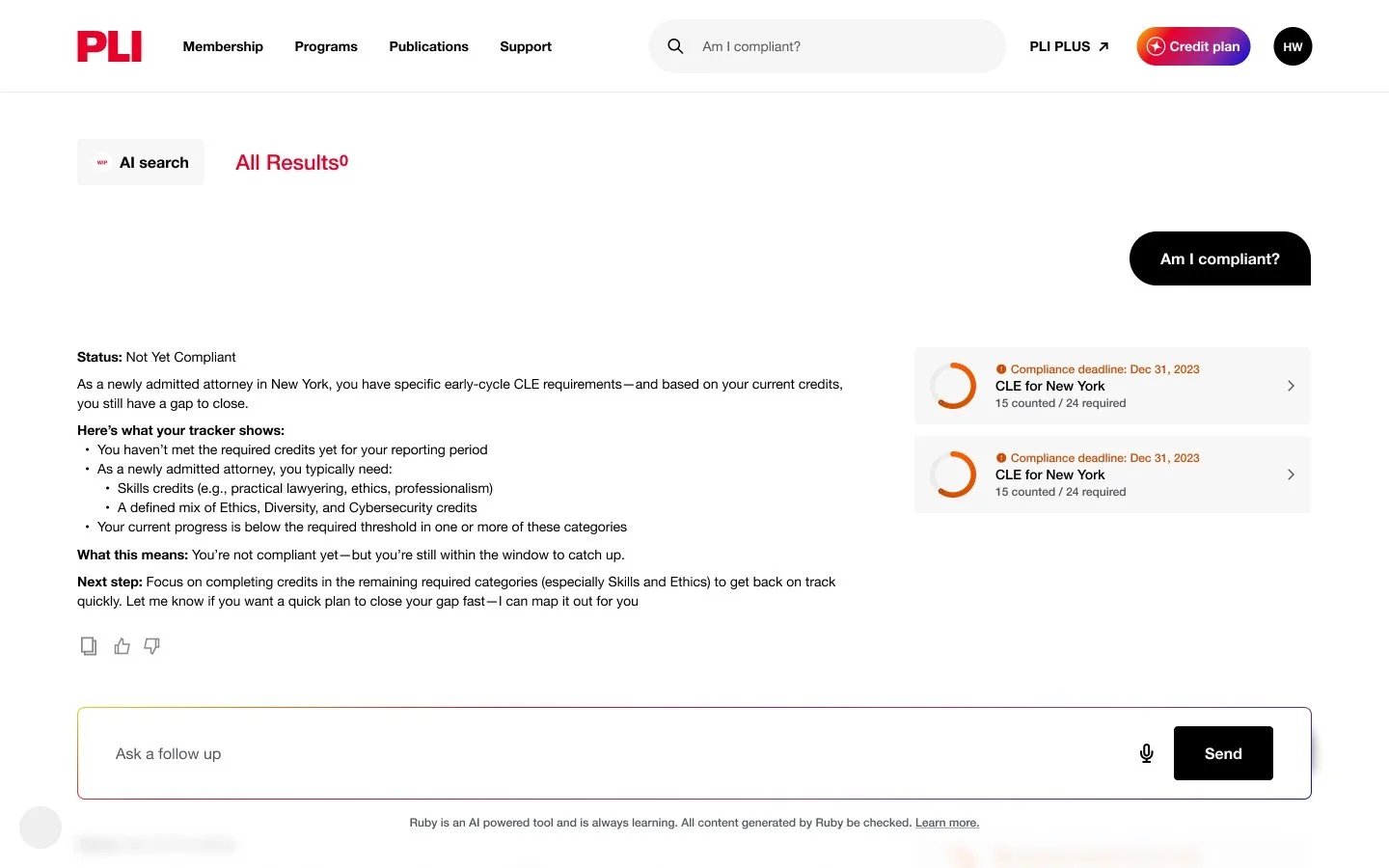
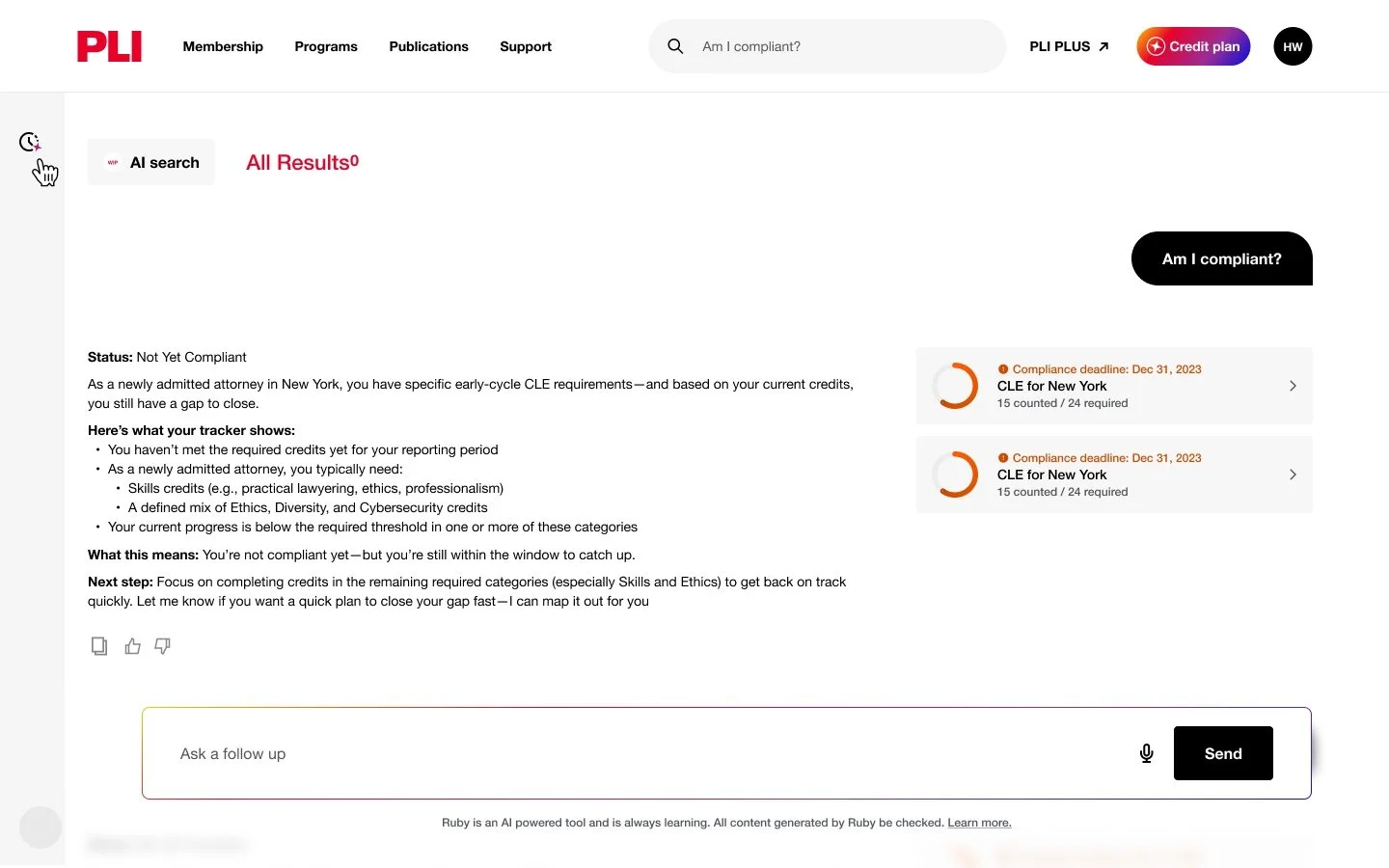
Reference screen provided by client
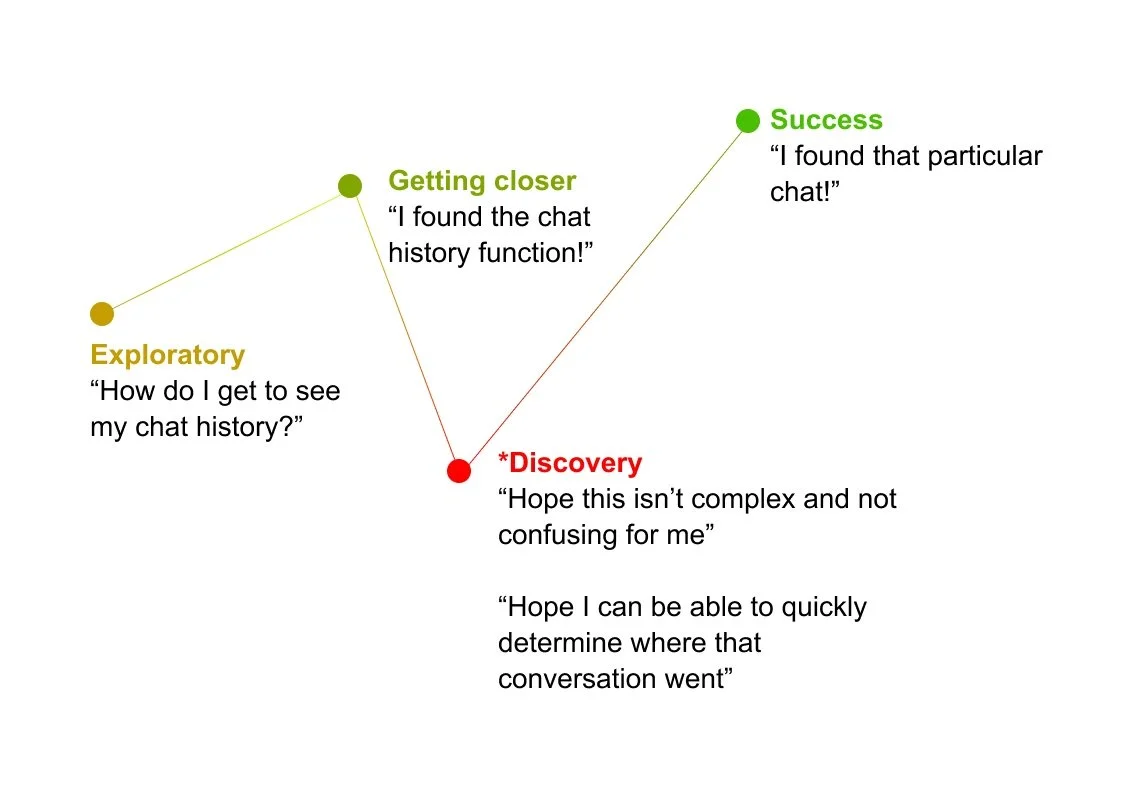
User Journey Map
I focused on the Discovery stage to understand what users think and feel when first accessing AI History before exploring interface solutions. This exercise uncovered opportunities such as keyword search and AI-generated topic groupings to help users quickly find previous conversations.
“I previously asked a question about a course or topic and now want to find that conversation again.”
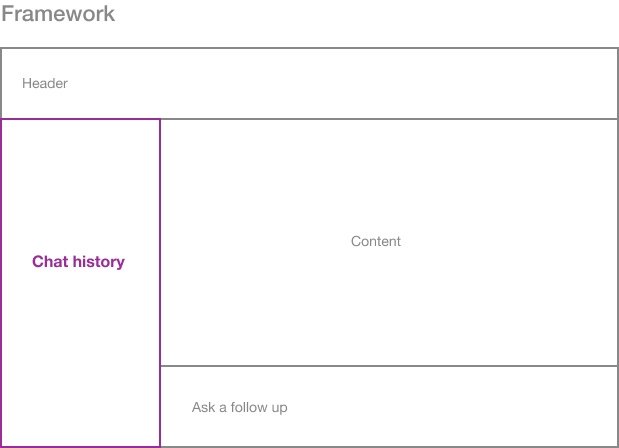
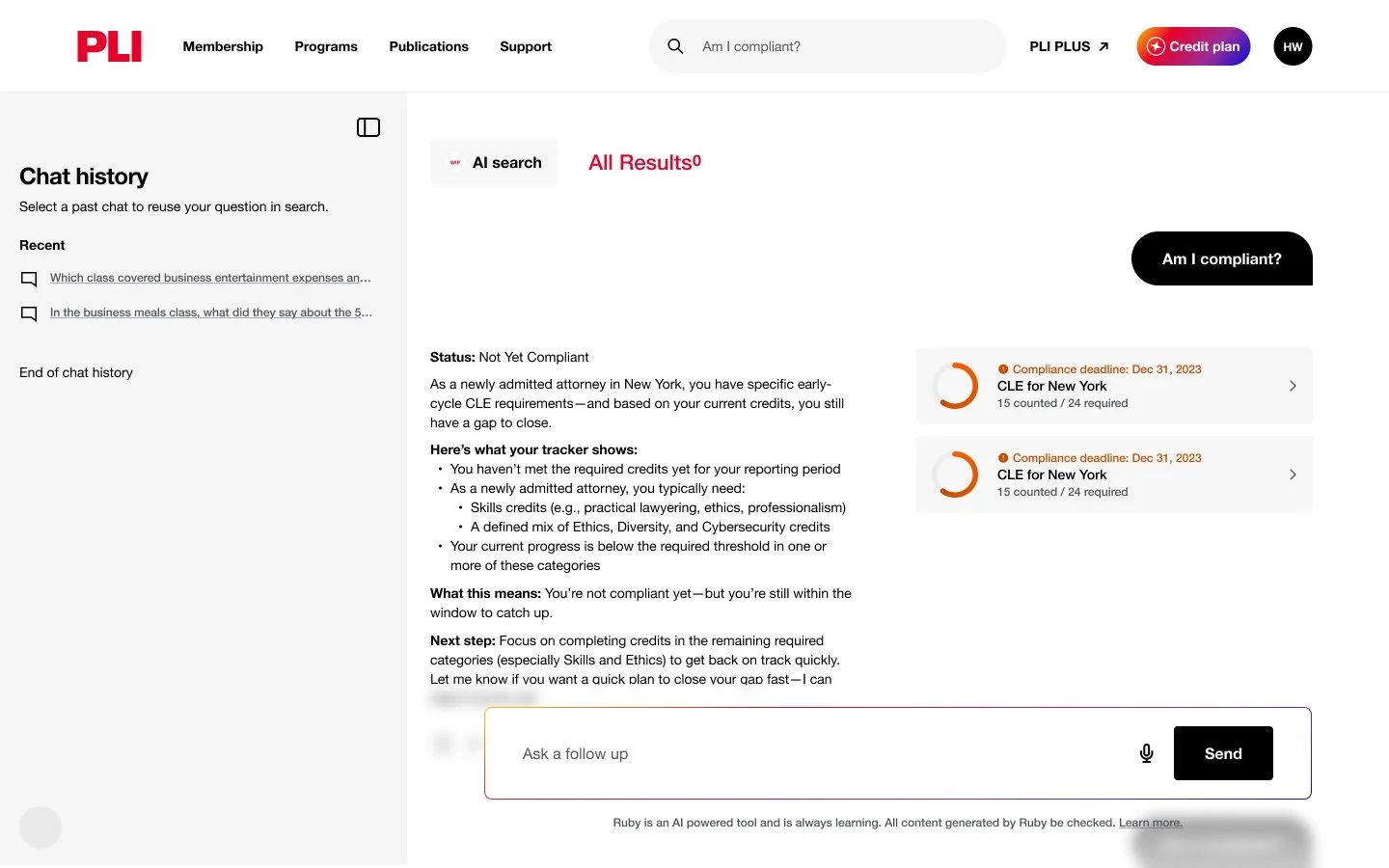
Placement on Desktop: Why a Left-Side Panel?
A left-side panel was chosen because it matches users' expectations from other AI experiences, making it familiar and easy to use. It also provides a clear navigation model that keeps conversations accessible while users continue their work. As chat history grows, the layout scales naturally without cluttering the main AI Search experience.
Left Side
Feels like navigation
Persistent, primary
Matches most chat tools
Better for browsing many chats
Right Side
Feels like context / supporting info
Secondary, temporary
Less common for history
Better for quick reference
Chat history Flows
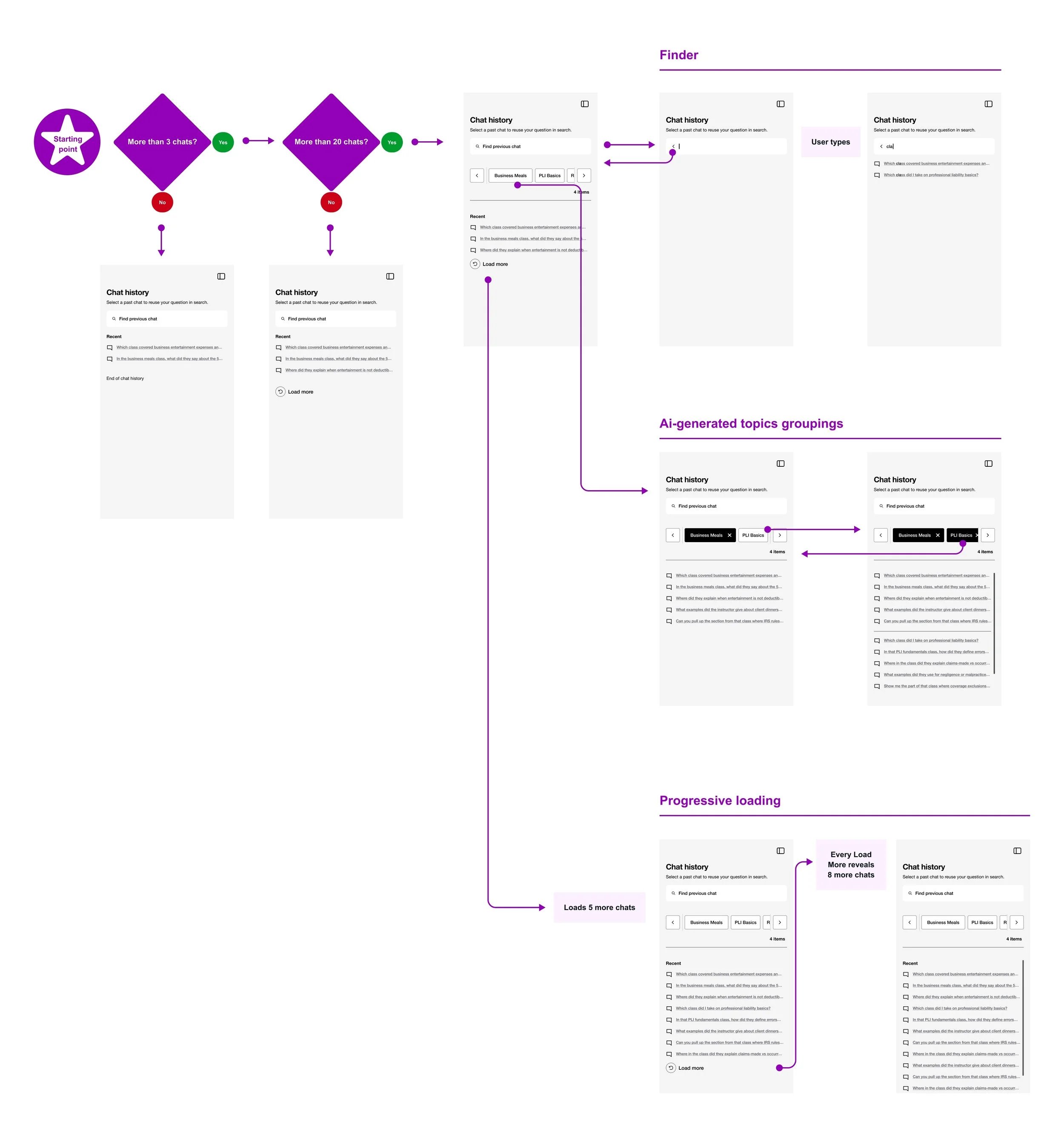
To communicate the interaction model, I created detailed user flows that document each step for designers, engineers, and stakeholders. The flows illustrate how users navigate the experience while keeping the interface organized and easy to use.
Flows Included
Keyword Search – Find previous conversations by entering keywords.
AI-Generated Topics – Browse conversations grouped into AI-generated topic categories.
Progressive Loading – Display recent conversations first, with additional chats loaded on demand to reduce visual clutter.
Prototype
Experience the AI chat history in action. For the best experience, view on a desktop.
Quisque iaculis facilisis lacinia. Mauris euismod pellentesque tellus sit amet mollis.