
CVS Health - Caregiving
Brings people, pets, and caregivers together in one secure, connected experience.
My design process
I used a research-driven, collaborative process to understand caregiver needs, simplify complex relationships, validate solutions, and continuously refine the experience.
Understand Users & Business Goals
Collaborate Across Teams
Simplify Complexity
Validate Assumptions
Iterate & Refine
The Impact
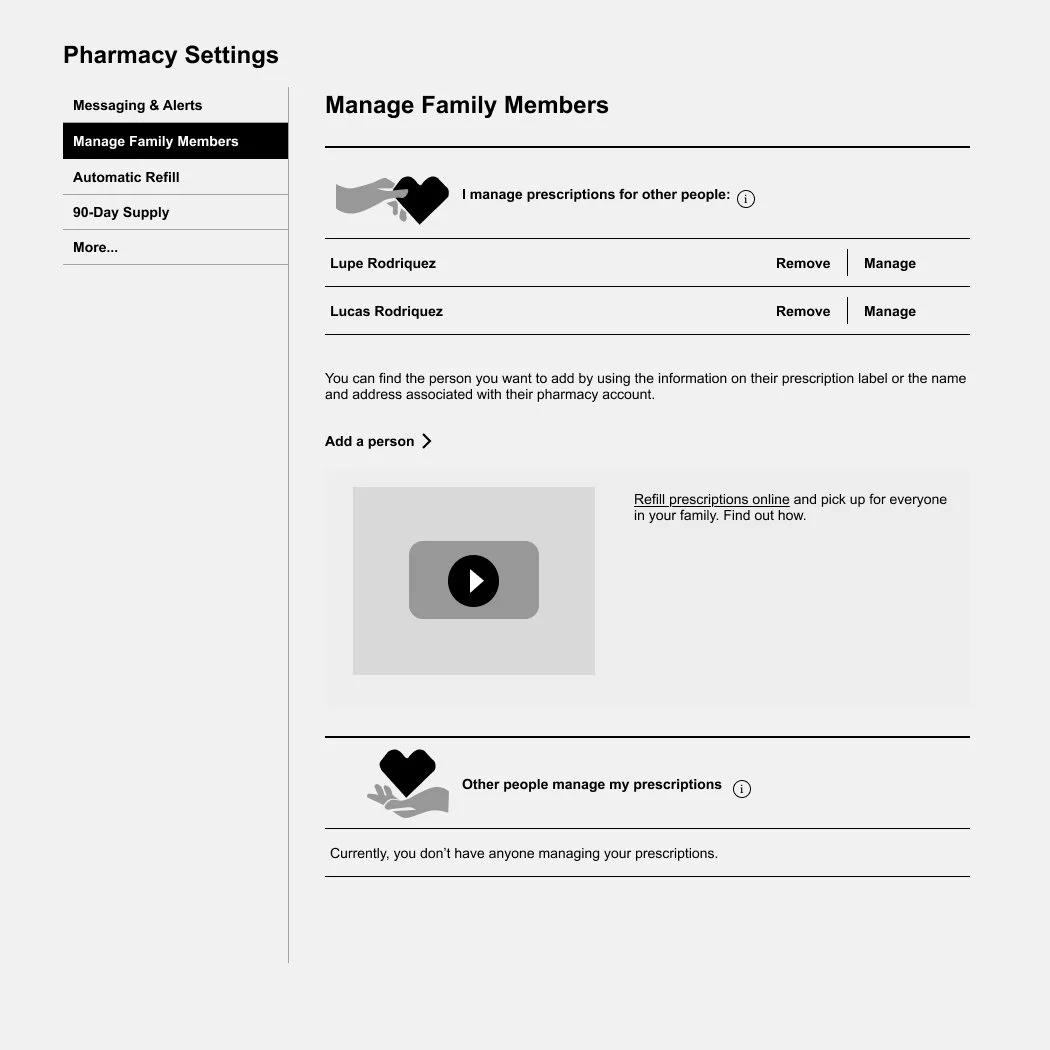
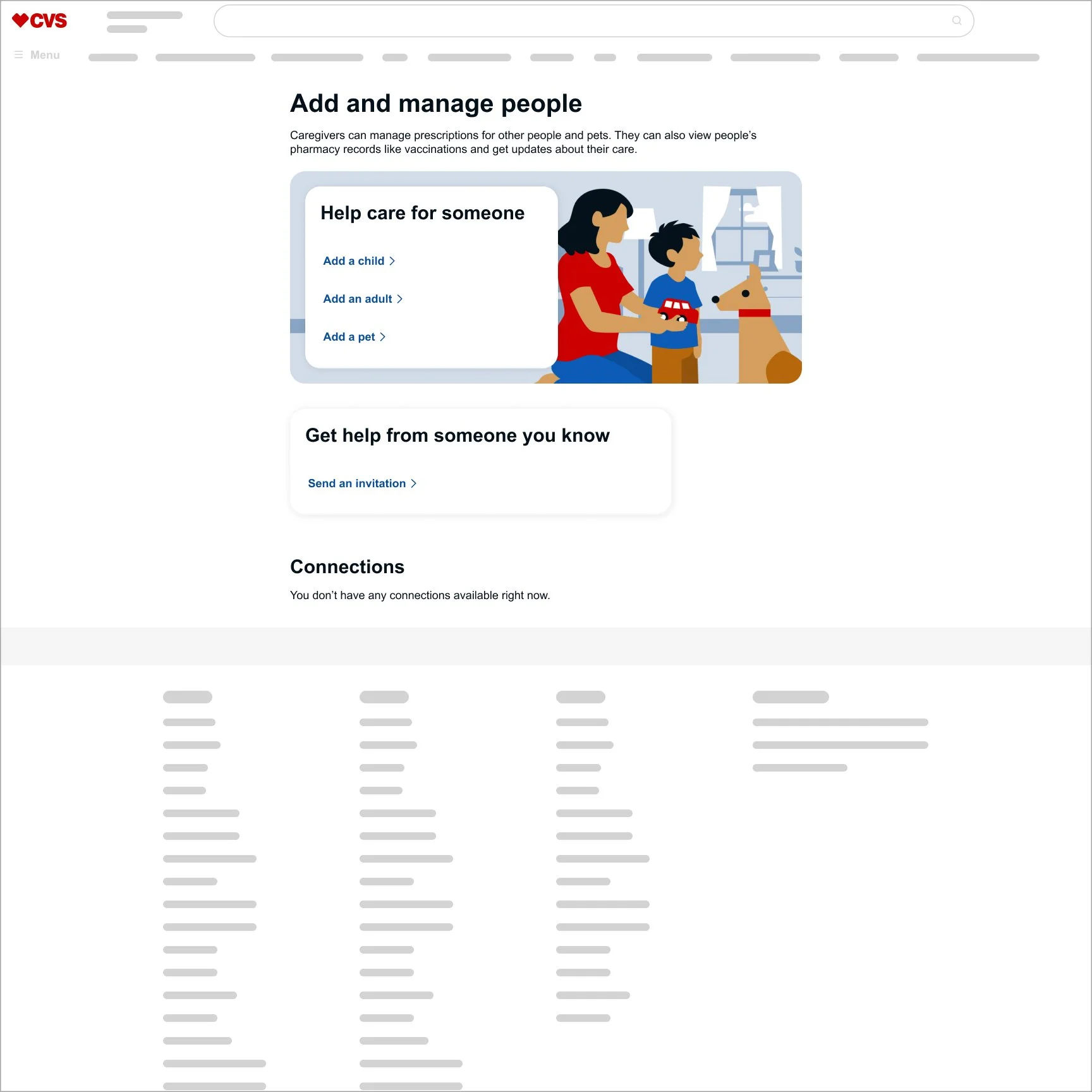
Landing page — Before & After
1. Understand Users & Business Goals
Foundational research revealed that caregiving means different things to different people. Users manage care for family, friends, and others without always identifying as “caregivers,” highlighting the need for clearer language, relationships, and guidance.
2. Collaborate Across Teams
I partnered with research, product, content, accessibility, and engineering to turn user insights and business goals into clear, feasible design decisions.
3. Simplify Complexity
I transformed complex caregiving rules into an intuitive landing experience that clarified relationships, explained key benefits, surfaced important actions, and reduced unnecessary information and choices.
4. Validate Assumptions
I used qualitative and quantitative research to validate terminology and design decisions. Only 14% preferred “My caregivees,” compared with 34% who preferred “People in my care,” helping us design around language users naturally understood.
5. Iterate & Refine
I refined the experience through research, stakeholder feedback, accessibility, and technical input—creating a clearer, more scalable solution.

6. The Impact
240 → 500 Daily Active User
A simpler, more intuitive experience helped more than double daily engagement.
Caregiver Lookup — Before & After
1. Understand Users & Business Goals
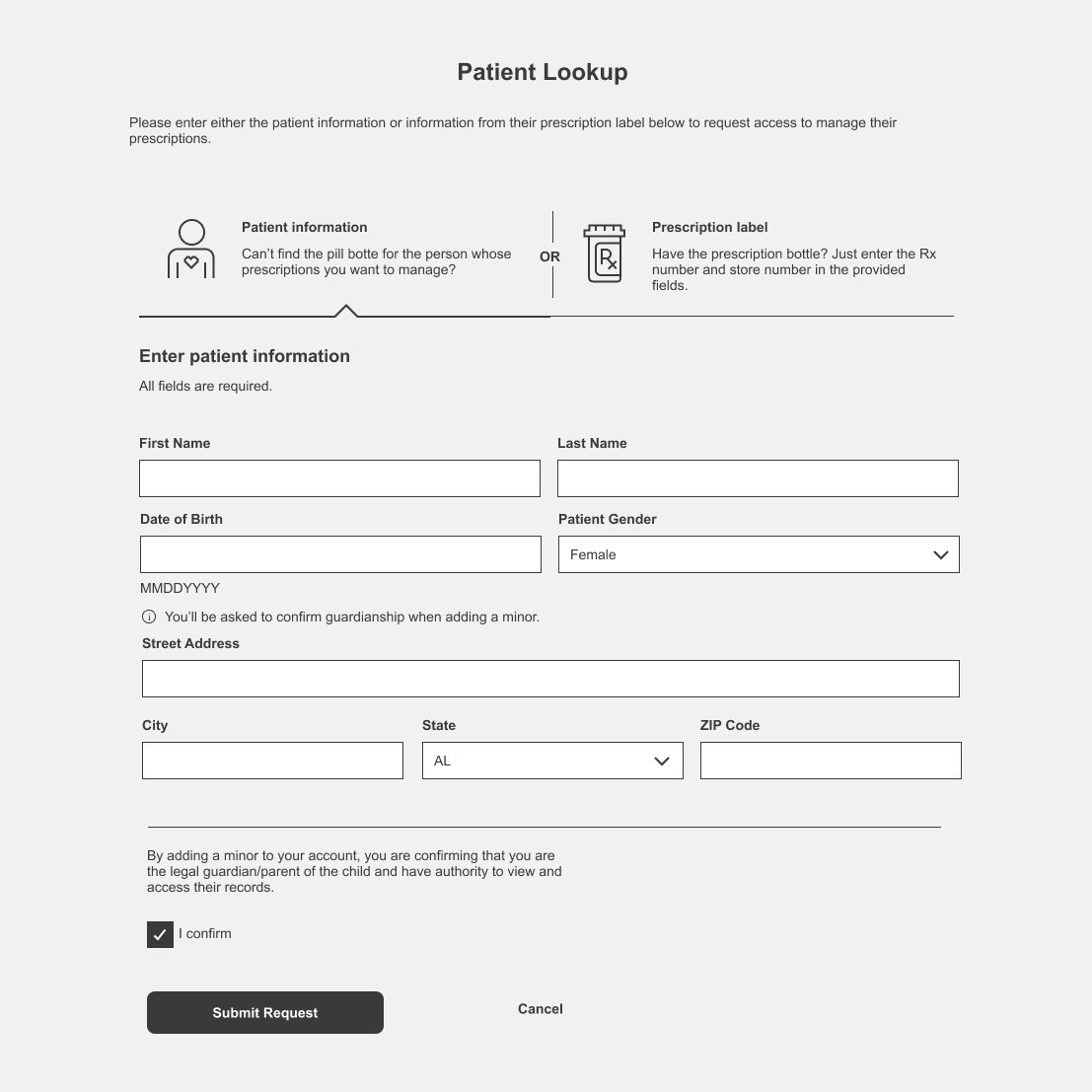
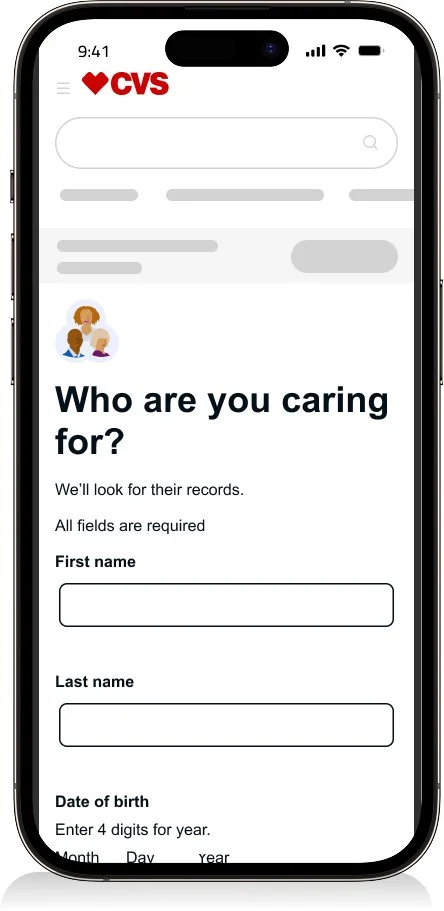
Research and analytics revealed significant friction when caregivers tried to find someone in their care, creating an opportunity to simplify the lookup process and improve successful matches.
2. Collaborate Across Teams
I partnered with product, research, engineering, accessibility, and business teams to understand lookup failures, technical constraints, and opportunities to improve the experience.
3. Simplify Complexity
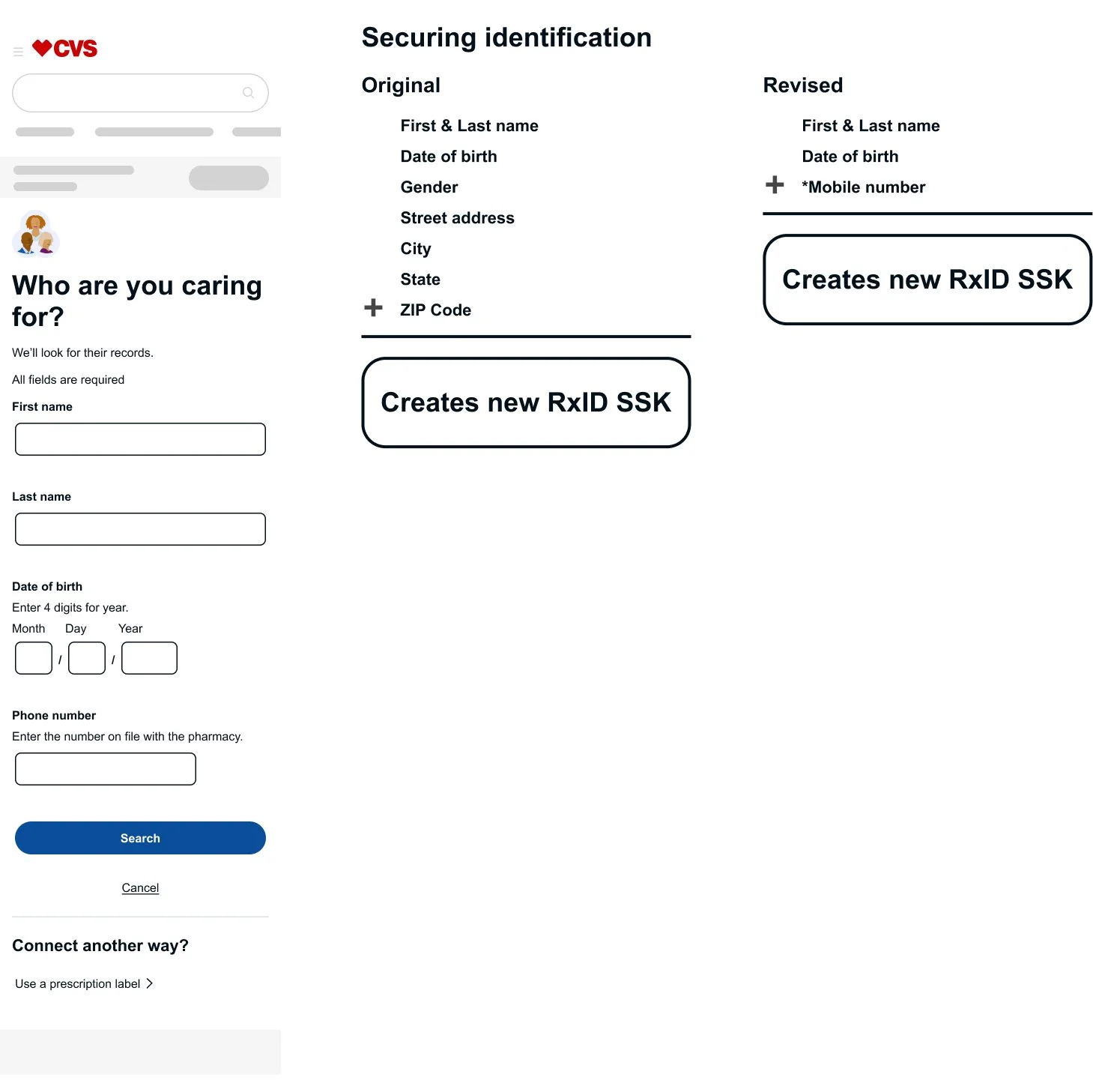
I streamlined the lookup experience by reducing required fields from eight to four, creating a faster, clearer path for caregivers to find the person in their care.
4. Validate Assumptions
I combined analytics with behavioral insights to identify where users struggled, validate design decisions, and focus improvements on the highest-impact problems.
5. Iterate & Refine
I refined the experience through testing, stakeholder feedback, accessibility, and technical input—improving guidance, error recovery, and the overall lookup flow.

6. The Impact
40% → 93% Lookup Success
The redesigned experience more than doubled successful caregiver lookups for 10.4K weekly users.
AI Illustration Process
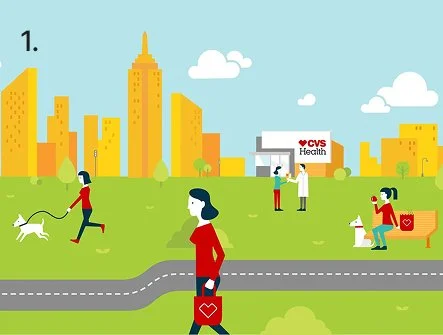
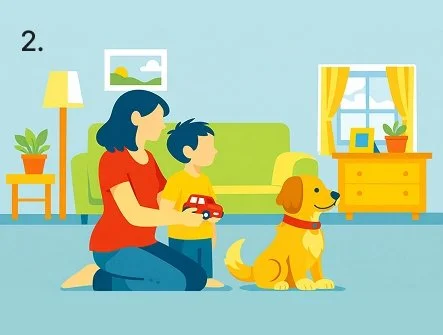
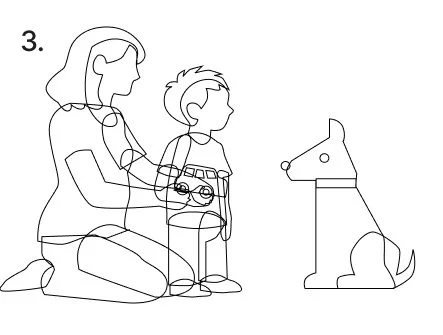
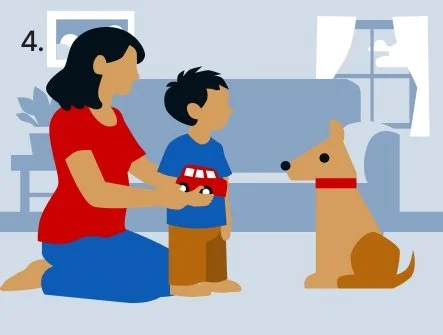
Establish the style
Used the CVS Health illustration style guide to create a consistent AI prompt.Generate concepts
Created an initial illustration using AI as a starting point.Refine for production
Rebuilt the artwork with layered vectors to support future animation and editing.Finalize the artwork
Applied CVS color variables, refined the composition, and prepared the illustration for production.
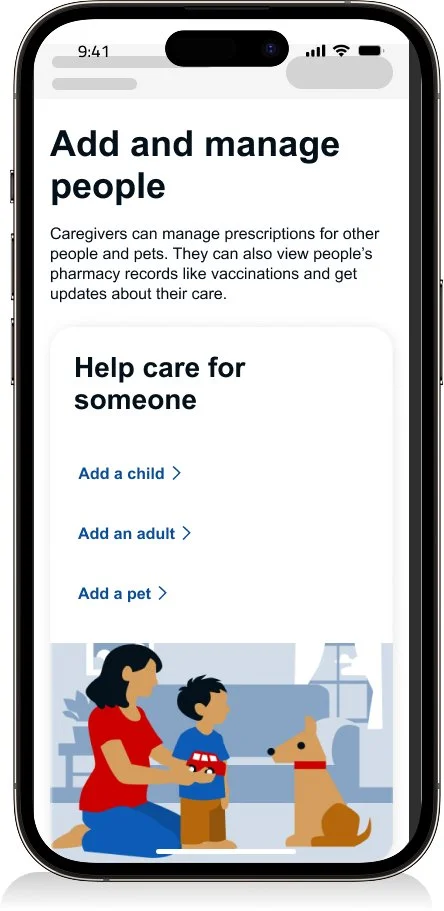
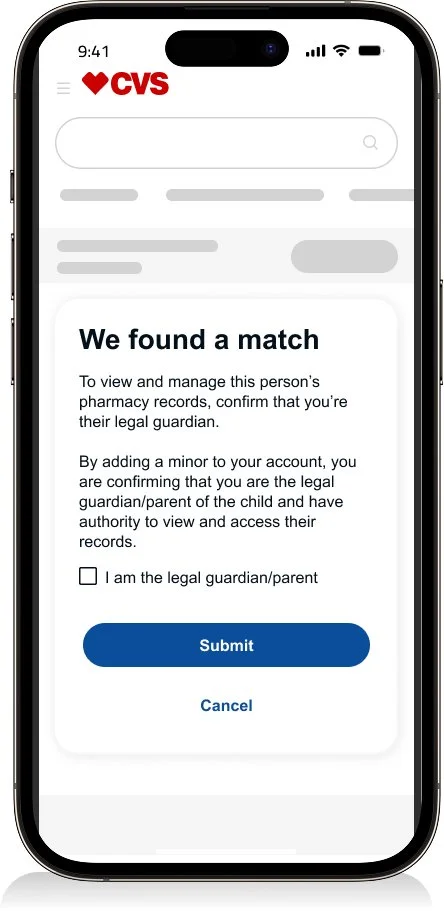
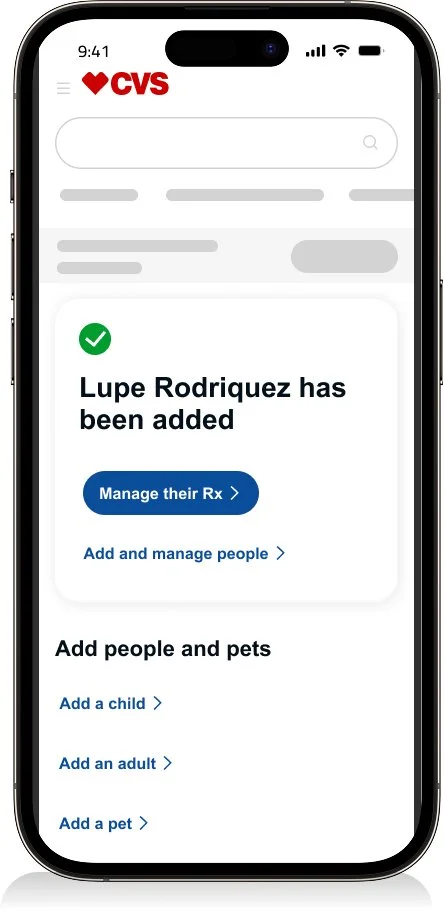
Adding a Child Prototype
Explore the interactive prototype to experience the complete “Add a Child” flow.
Dev hand off
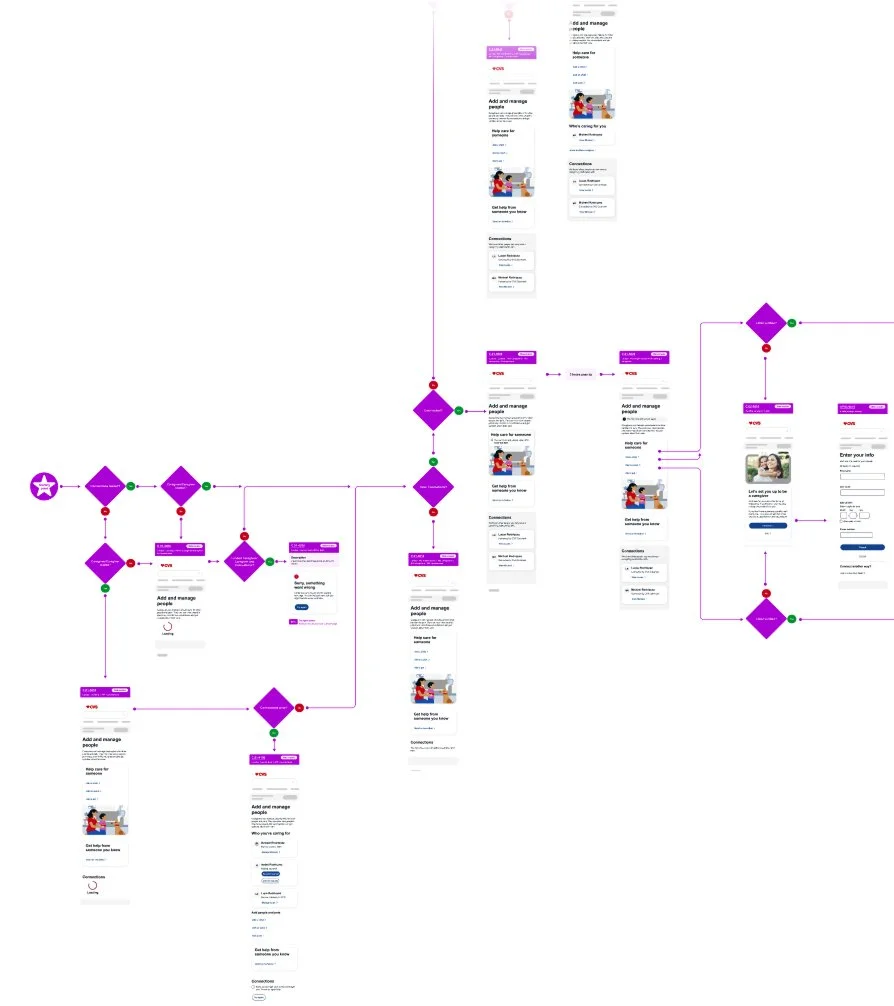
Full flow
I document end-to-end user flows so design, engineering, and architecture stay aligned from concept to implementation.
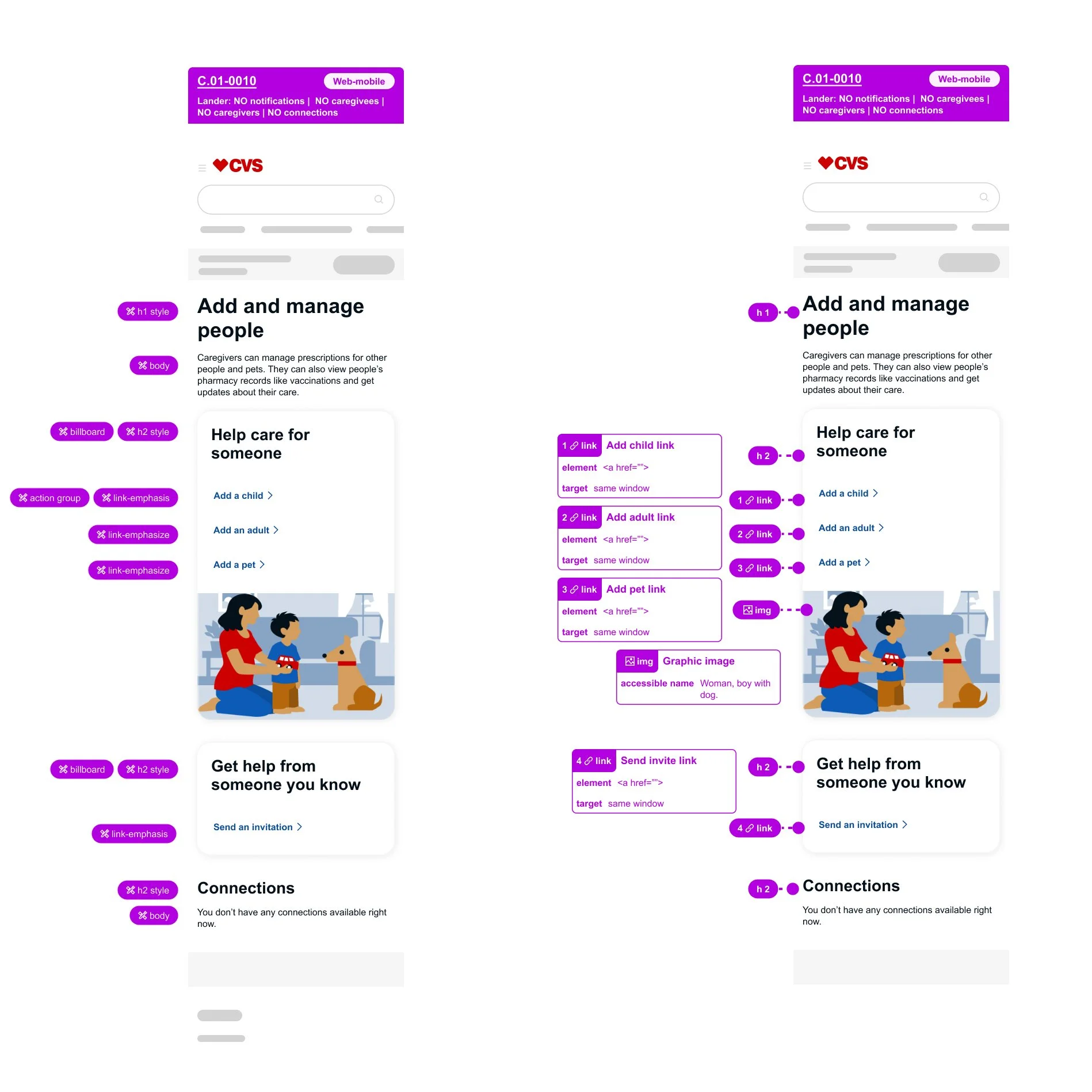
Annotations
I document design system and accessibility requirements so engineers can build with clarity and confidence.
Error handling
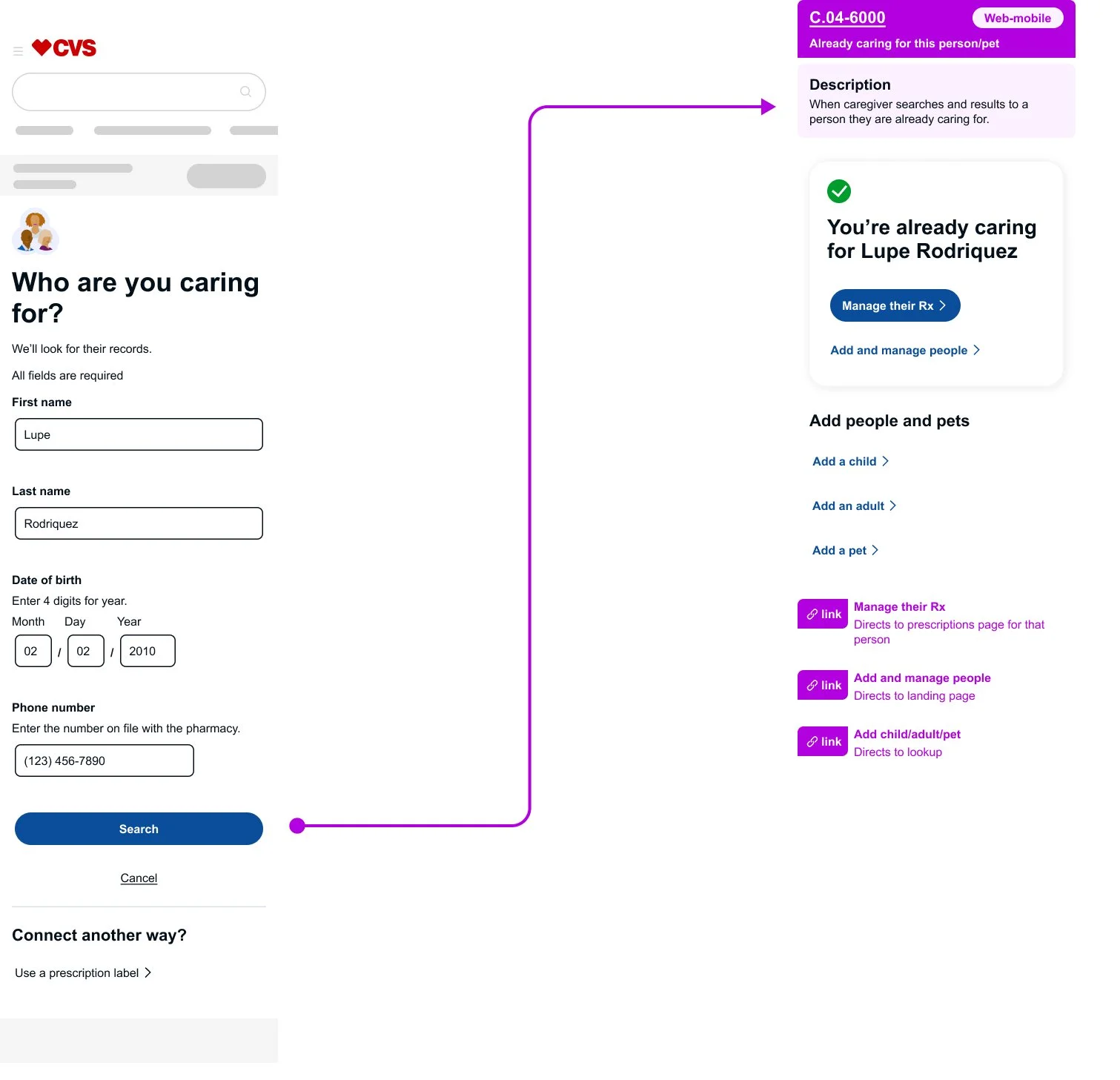
I designed edge-case experiences by balancing usability with technical constraints. When users attempted valid actions that couldn't follow a standard error pattern, I introduced alternative confirmation states that reduced confusion and kept the experience intuitive.
Quisque iaculis facilisis lacinia. Mauris euismod pellentesque tellus sit amet mollis.